Custom Cables Build Guide
Finding the custom cable builder a little overwhelming?
Read on to have all the options explained.
If you still need some help, please get in touch with us.
Step 1 - Connectors
Host Connection
Device Connection
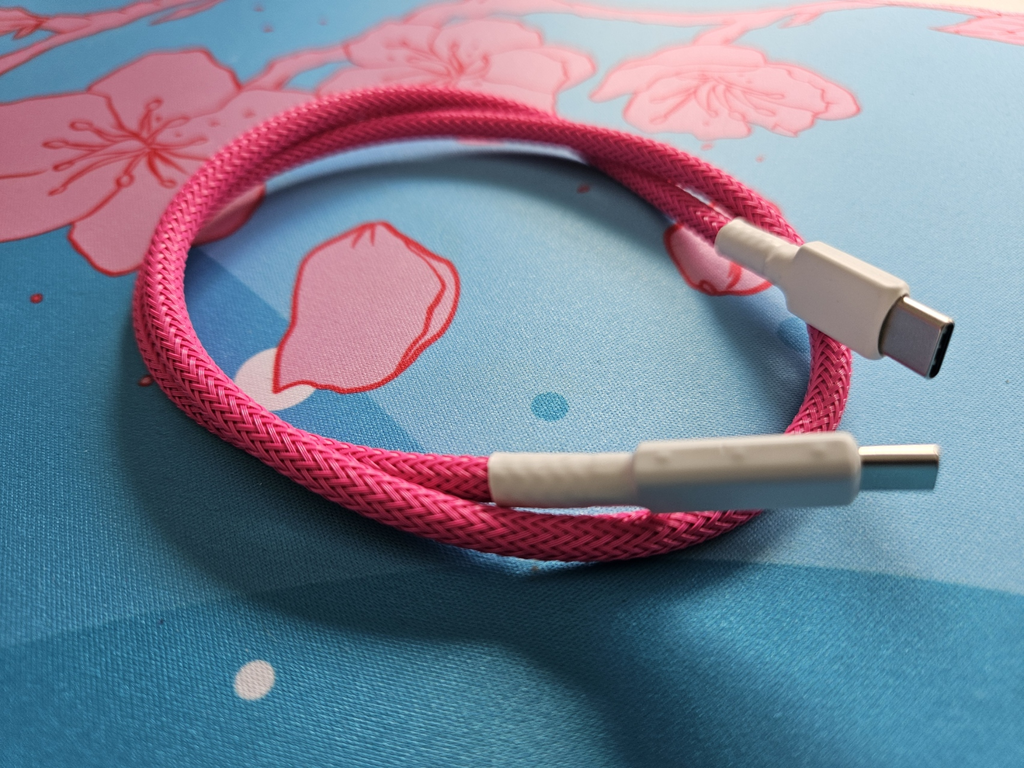
- USB C*
- USB Mini*
- USB Micro*
- USB B
*Also available as gold plated.
Step 2 - Inline Connector
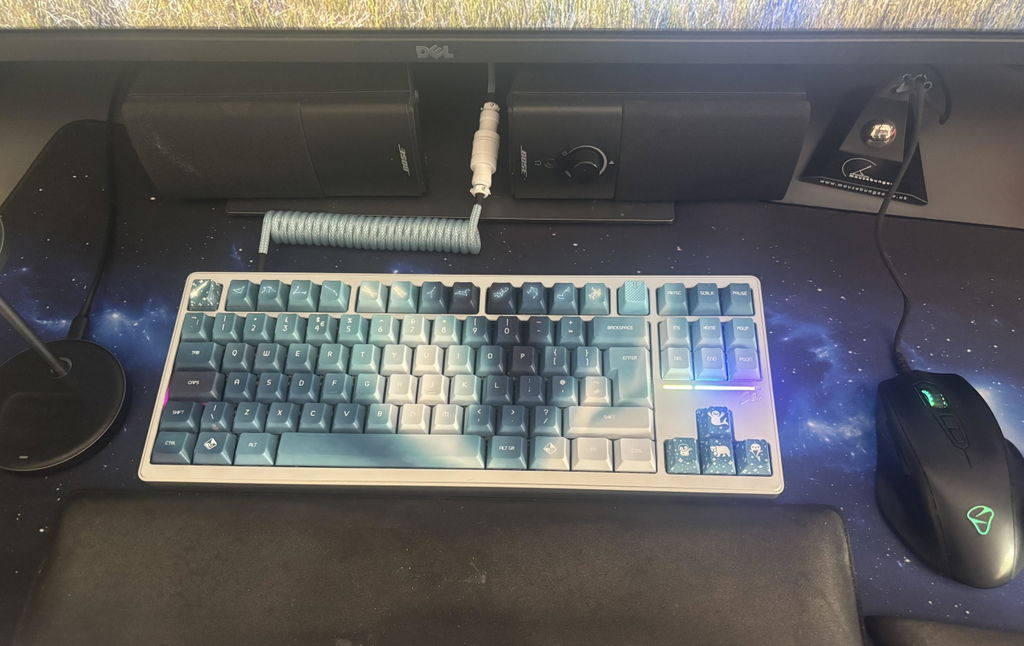
In Line Connector
You can decide if you would like to add an inline connector to your cable.
You'll find the following options here:
- GX12
- GX16*
- YC8*
- Weipu*
- SzRico*
- Lemo*
*Multiple options available
Step 3 - Coil & Lengths
Coil Length
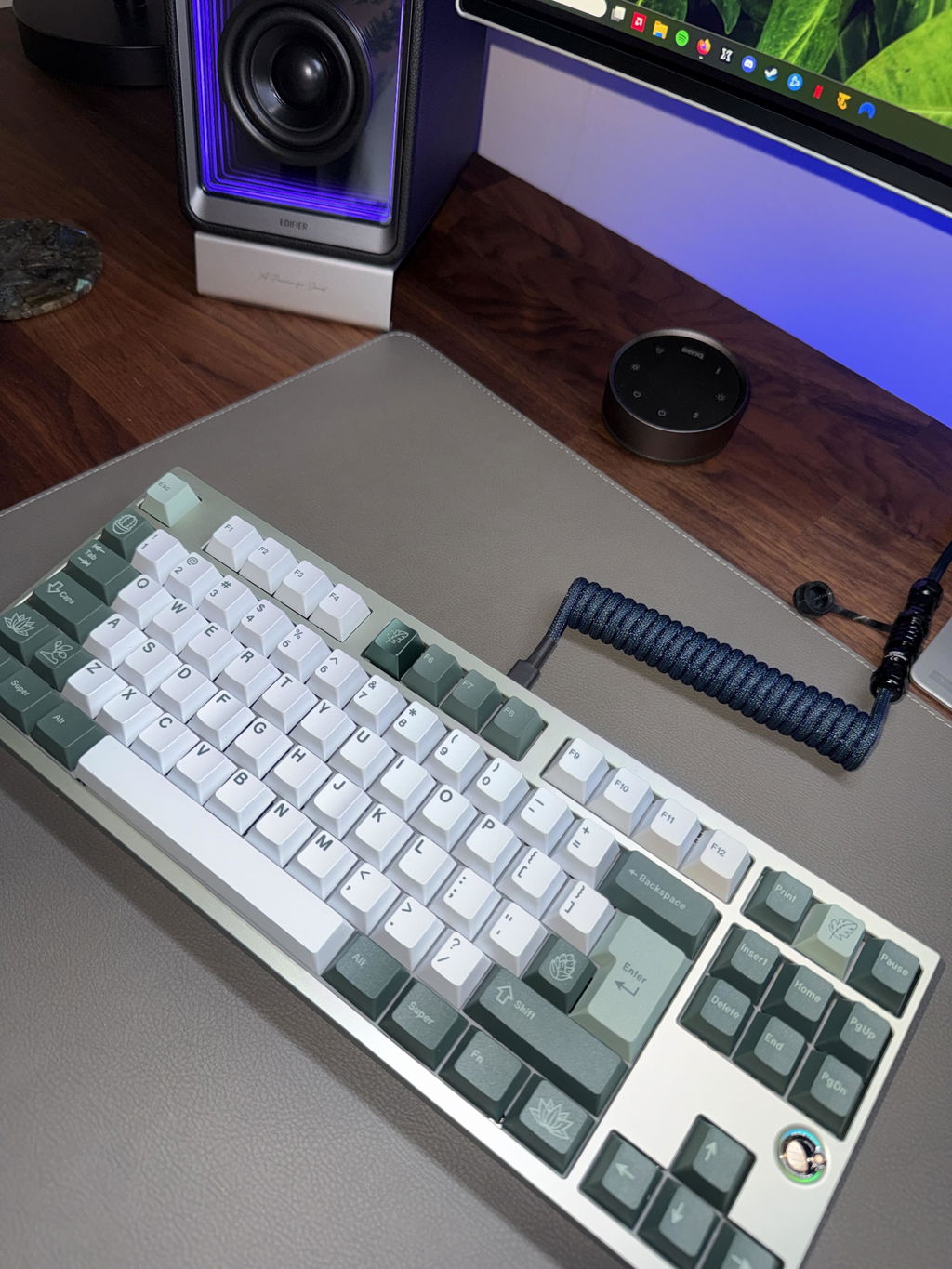
This is where you can choose to add a coil to your cable.
15cm/6ft is the size we would recommend for most boards as this will look the most aesthetically pleasing.
Coil Orientation
Decide how the coiled cable will sit on your desk once it's connected to your keyboard.
We personally prefer a rear exit cable as it looks neater for cable management.
Device Side Cable Length
This measurement is from the tip of the USB device connection to the end of the first half of the inline connector.
Choose the length of the device side here using the slider. Generally a length of 16-24cm is the sweet spot.
Host Side Cable Length
This is the length from the end of the second half of the inline connector to the tip of the host side USB connection.
Total Cable Length
The total length of your cable measured from USB to USB.
Length After Coil
The length of cable from the very end of the coiled part to the tip of the host USB connection.
Steps 4 & 5- Colours
Base Colour
Choose the base colour for your cable.
We use paracord for this and we currently have over 100 different colours to choose from.
Double Sleeve
Decide if you would like to add a double sleeve to your cable.
You can choose from Techflex or MDPC-X. A double sleeve is highly recommended for coiled cables.
Change colours for the host side
If you've decided to have an inline connector you can change the colour & double sleeve for the host side half of your cable.
This means you can have different techflex or MDPC-X colours on your cable or even a mixture of both!
Step 6 - Housings & Heatshrink
Metal USB Housings
Metal USB housings are only available with USB A to USB C cables.
If you select yes, your cable will be USB A to USB C Gold Plated.
Heatshrink At In Line Connector
Decide if you'd like to have heatshrink accents applied to the inline connector exits.
GX12 & YC8 connectors will not have this applied due to the smaller size of the connectors.
Heatshrink Colour
Choose the colour of heatshrink to be applied to the USB ends of your cable.
V2.0 - Updated 11/2024
If this is the case, please get in touch with us! We always like to help create something truly unique!
Our standard maximum build time for custom cables is 3-4 weeks.
They are 99% of the time turned around well before this, and the 3-4 week timescale is a worst case scenario.
We allow this timescale as sometimes if we don’t have the raw materials in stock it can sometimes take up to a week or so to receive them.
If for any reason there's the possibility of a delay of longer than 3-4 weeks, we will contact you within 24-72 hours to notify you.
All of our cables are built in batches, don't worry if you cable is marked as being in production for a few days, it means we are working on the batch your cable is in.
We are a very small team and take great care when building custom cables to ensure they are of the highest quality.
Once your cable is finished it is then shipped. Depending on your chosen shipping option and location it may take anywhere from 2-14 business days to receive your order.
We have 2 shipping options available.
Free domestic shipping when spending over £60 - Royal Mail Tracked 24
Standard Shipping - Royal Mail Tracked 48
International shipping is also available.
This is extremely rare due to the effort we put in to making sure each cable is perfect.
All of our cables are tested rigorously before the leave us, but sometimes things can go wrong.
Our cables are backed with a limited lifetime warranty.
If your cable has an issue please get in touch with us.
Due to the custom nature of these cables, there are no refunds or cancellations so please ensure your order is correct.
If there is anything you are unsure of, make sure you get in touch with us first.
We will allow up to 48 hours for changes. If you have any change requests please contact us at info@cablelab.co.uk
Still have questions? Contact us below